CartMend Checkout Fees & COD Surcharge for WooCommerce: First Look at the Free Payment-Based Fee Plugin
By Day Zero Guides Editorial · How we produce guides
Some links in this guide are affiliate links. If you sign up through them, Day Zero Guides may earn a commission at no extra cost to you. This never affects which products we cover or what we say about them. See our affiliate disclosure for details.
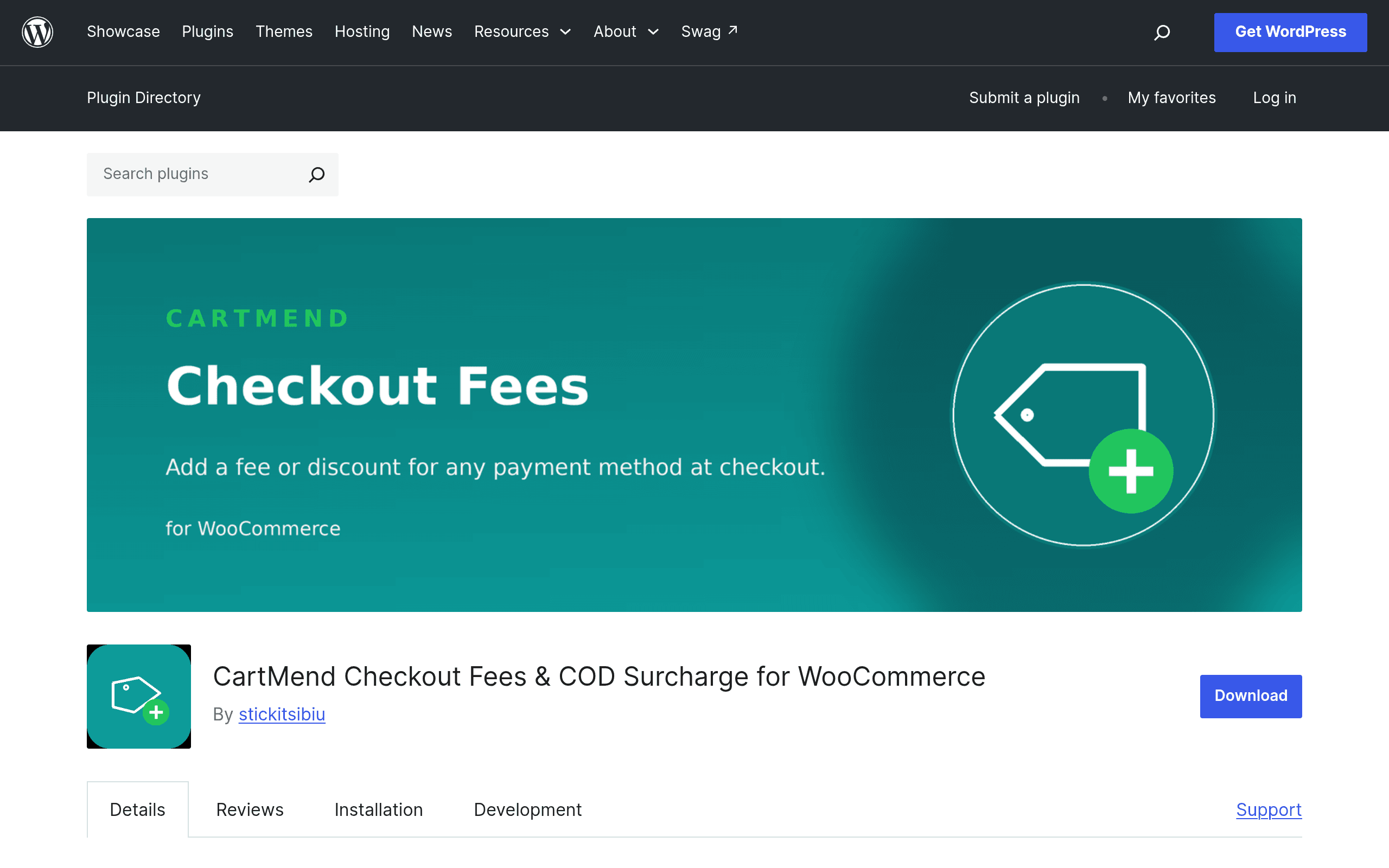
What it costs and what you get
CartMend Checkout Fees & COD Surcharge for WooCommerce is free, full stop. It's distributed through the official WordPress.org plugin directory, which means no license key, no email gate, no "free tier that nags you into upgrading after 14 days." You install it from your WordPress admin's Plugins > Add New search, activate it, and configure fees immediately.
There's no premium tier documented at the time of this writing — no CartMend Pro, no add-on packs. What you see in the free version is the entire product: conditional flat fees or discounts applied per payment method, working across both the classic (shortcode) checkout and the newer block-based checkout introduced in WooCommerce Blocks.
For a store owner, that means the calculus is simple: if you need to charge ₹50 extra for Cash on Delivery orders, or knock 2% off for prepaid customers, you can solve that problem today for $0, without touching a functions.php file or hiring a developer to write a woocommerce_cart_calculate_fees hook.
What CartMend actually does
At its core, CartMend watches which payment gateway a customer selects at checkout and applies a rule you've configured — either a flat fee or a flat discount — to the order total in real time. Select Cash on Delivery, and a ₹40 COD handling fee appears in the cart summary before the order is placed. Switch to a prepaid gateway like Razorpay or Stripe, and that fee disappears (or a discount fee line appears instead), without a page reload.
The plugin is built to work with both checkout experiences WooCommerce currently supports:
- Classic checkout — the traditional shortcode-based checkout page most WooCommerce stores have used since 2011.
- Block checkout — the newer, React-driven checkout block that WooCommerce has been pushing store owners toward since WooCommerce Blocks matured.
This dual support matters more than it sounds. A lot of smaller utility plugins in the WooCommerce ecosystem were written against the classic checkout's PHP hooks and simply don't fire correctly (or at all) on block checkout, because block checkout uses a different rendering and data layer (the Store API and client-side React components). CartMend's live-update behavior on block checkout suggests it's hooking into the newer extension points rather than relying purely on legacy filters, which is the right way to build this in 2024 and beyond.
Setup is configuration-only: no code editing, no snippet pasting. You pick a payment gateway, set an amount (fee or discount), optionally label it something customer-facing like "COD Handling Charge" or "Prepaid Discount," and save.
Concrete use cases
- COD surcharge for a D2C store in India or Southeast Asia. COD remains a dominant payment method in these markets, but it comes with real costs — failed deliveries, cash handling, reverse logistics. A store doing 3,000 orders/month with 60% COD can use CartMend to add a flat ₹30–₹75 COD fee, offsetting some of that operational cost without building custom logic.
- Prepaid incentive to shift payment mix. A merchant tired of COD's ~15-20% RTO (return to origin) rate can configure a discount — say 3% off — for orders paid via UPI, card, or wallet, nudging customers toward prepaid at the exact moment they're choosing a payment method.
- Regional or niche gateway fee pass-through. If a store accepts a payment gateway that charges the merchant a higher processing fee (some BNPL or wallet integrations do), CartMend lets you pass a flat portion of that cost to the customer instead of eating it silently.
- Simple A/B style testing of payment friction. Because changes are configuration-only, a store owner can toggle a COD fee on for a month, watch whether COD order volume drops and prepaid share rises, and reverse it without any dev involvement.
What it's not built for: complex percentage-based tiered fees by cart value, multi-condition rules (e.g., fee only for orders under $50 AND using COD AND shipping to a specific zone), or fee schedules that change by date. If you need that level of granularity, you're likely looking at a paid gateway-fees extension instead.
How it compares
| CartMend Checkout Fees | WooCommerce Payment Gateway Fees plugins (typical) | TM Extra Product Options | CheckoutWC | |
|---|---|---|---|---|
| Price | Free (WordPress.org) | Often free with paid upgrade ($29–$79/yr) for percentage fees or multi-condition rules | Free core, paid "Pro" tiers starting ~$49/yr | Paid, from $129/yr per site |
| Core purpose | Flat fee/discount by payment method, at checkout | Fee/discount by payment method, often with percentage + flat combos | Product-level custom fields, add-ons, and upsells (not payment-method fees) | Full checkout page redesign/optimization (speed, UX, conversion) |
| Block checkout support | Yes, live updates | Varies by plugin — many older ones lag on block checkout support | N/A (product page focus, not checkout logic) | Yes, built specifically around modern checkout UX |
| Best for | Stores needing a simple, no-cost COD surcharge or prepaid discount, nothing fancier | Stores needing percentage-based fees, tiered fees, or multi-condition logic | Stores needing configurable product options/upsells, unrelated to payment fees | Stores optimizing checkout conversion rate broadly, willing to pay for it |
| Setup complexity | Low — single settings screen | Low to moderate | Moderate (more configuration surface) | Higher — replaces checkout template, more to configure/test |
The honest framing: CartMend isn't competing head-on with CheckoutWC or TM Extra Product Options — those solve different problems (checkout UX overhaul, and product customization, respectively). The real comparison is against the dozen-plus "WooCommerce Payment Gateway Fees" plugins already in the directory. CartMend's pitch there is narrower but cleaner: if all you need is a flat COD surcharge or prepaid discount that actually works on block checkout, it does that one thing without upselling you into a paid tier for basic functionality.
Should you install it today
If you're running a WooCommerce store with COD enabled and you've been eating the cost of cash handling or reverse logistics, installing CartMend costs you nothing but ten minutes of setup. Test it on a staging site first if you have one — as with any new plugin from a directory listing without a long track record yet, verify your specific gateway combination (especially if you're running less common gateways alongside COD) before pushing to production. If your fee logic needs to be more complex than "flat amount tied to one payment method," this isn't the plugin to force into that shape — look at a paid gateway-fees extension instead.
Related guides
- iLang Readable Slugs: A WordPress Plugin That Finally Fixes Percent-Encoded URLs for Non-Latin Content
- AcceGuru First Look: A WordPress-Native Accessibility Scanner That Tries to Fix What It Finds
- Auditwright WCAG Accessibility Scanner: First Look at the New WordPress Plugin That Scans Rendered Pages, Not Raw HTML