Intego Antivirus Security Review: Pricing, Features, and How It Compares
By Day Zero Guides Editorial · How we produce guides
Some links in this guide are affiliate links. If you sign up through them, Day Zero Guides may earn a commission at no extra cost to you. This never affects which products we cover or what we say about them. See our affiliate disclosure for details.
The scenario where this actually matters
You bought a Mac assuming it doesn't need antivirus software, and for years that was mostly fine. Then you started getting sketchy pop-ups from a browser extension you don't remember installing, a family member's MacBook started running hot for no reason, or you just got a work laptop that requires "active endpoint protection" per IT policy. You go looking for Mac security software and immediately hit a wall: most antivirus brands are built Windows-first, with the Mac version feeling like an afterthought bolted onto the same dashboard. Intego is one of the few vendors that builds specifically for macOS — it's been doing Mac-only security software since the late 1990s, before most competitors had a Mac product at all. That's the actual reason to consider it: you want something that understands Gatekeeper, XProtect, and macOS system extensions rather than a Windows suite with a Mac icon slapped on it.
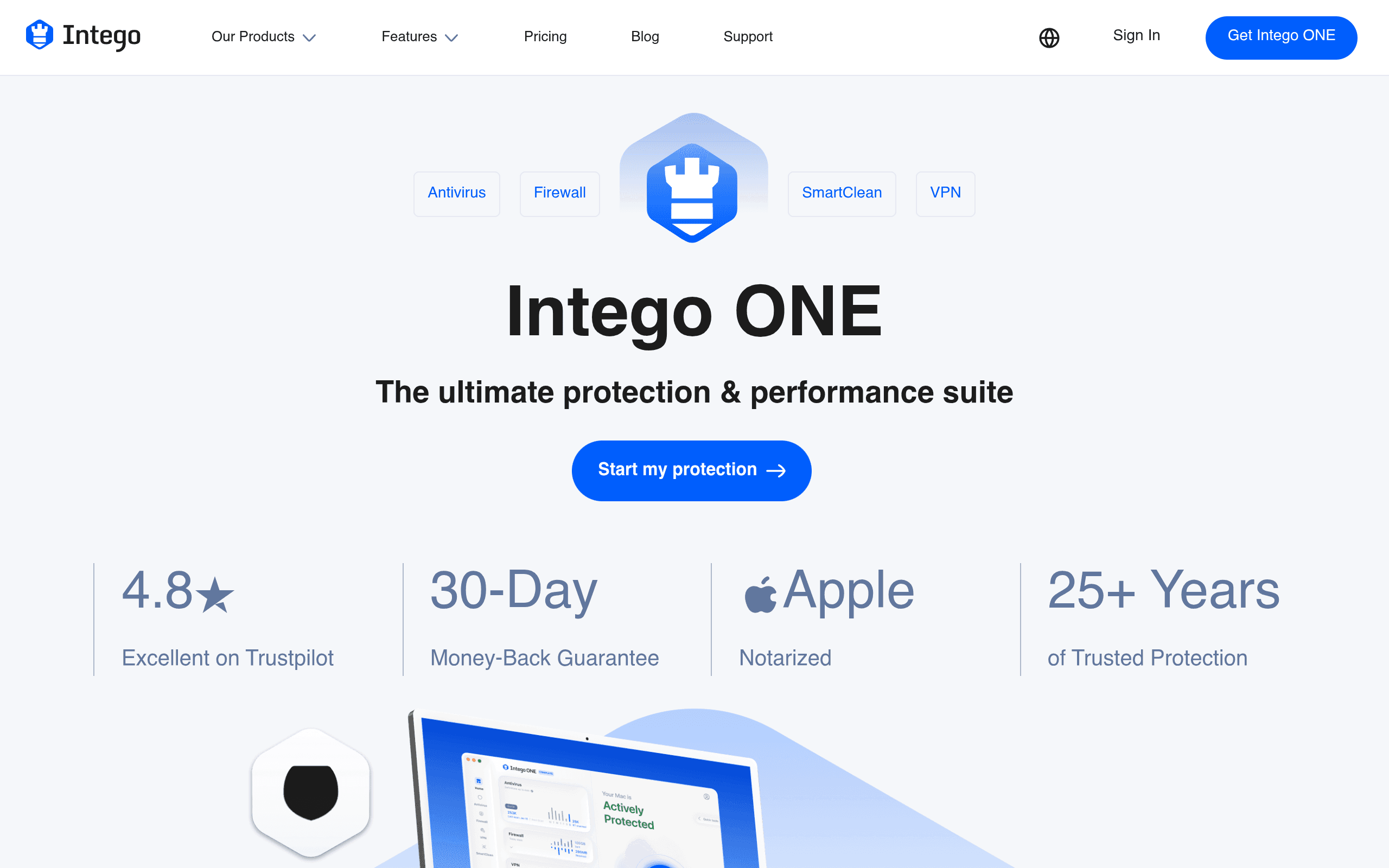
What Intego Antivirus Security actually is
Intego Antivirus Security is the core malware-scanning component of Intego's broader Mac security lineup, which also includes NetBarrier (firewall), Personal Backup, and Washing Machine (formerly SmartClean, for junk file cleanup and performance tuning). Depending on which package you buy, you get just the antivirus engine or a bundle that adds firewall control, network monitoring, a system optimizer, and in the higher tiers, a VPN. The antivirus engine itself does real-time scanning, scheduled scans, and quarantine of Mac-specific malware, adware, and PUPs, plus it flags Windows malware sitting on your Mac (relevant if you dual-boot, run Parallels, or just don't want to forward infected files to Windows-using colleagues).
It's a native macOS app — not an Electron wrapper — and it integrates with Apple's built-in security frameworks rather than fighting them, which is one reason it doesn't tend to trigger the kernel-panic and performance complaints that plague some third-party Mac security tools.
Pricing breakdown
Intego sells in three tiers, and all three support 1, 3, or 5 Mac licenses (price scales with device count):
- Essential — antivirus + firewall. $2.34/month billed as $56.24 for a 2-year term (discounted from a $74.99 list price, roughly 25% off).
- Advanced — adds Washing Machine performance cleanup on top of Essential. $3.79/month billed as $90.99 for 2 years (discounted from $129.99, roughly 30% off).
- Complete — adds VPN and additional privacy/identity tools on top of Advanced. Intego doesn't keep this price static; it runs the same 25-35% seasonal discount pattern as the other two tiers, so expect it to land noticeably above the Advanced price. Check intego.com directly before buying, since the promotional rate shifts by season and by how many Mac seats you select.
All tiers come with a 30-day money-back guarantee, which matters here because the real test of any Mac antivirus is whether it causes background CPU spikes or conflicts with other software on your specific machine — something you can only find out by actually installing it.
Where it's a good fit
- You're Mac-only (or mostly Mac-only) and don't need a single dashboard that also covers Windows and Android devices.
- You want a firewall and system cleanup tool bundled with antivirus instead of buying three separate Mac utilities.
- You've been burned by a security suite that made your Mac fans spin up constantly — Intego's macOS-native architecture tends to be lighter on resources than ported Windows suites.
- You manage a small number of Macs for family members and want simple, centralized licensing (1, 3, or 5 seats).
Where it's not the right call
- You have a mixed household with Windows PCs, Android phones, or iPads and want one login covering everything — Intego is Mac/iOS only, so you'd need a second product for other platforms anyway.
- You want dark web monitoring, identity theft insurance, or credit monitoring baked in — that's a Norton/McAfee strength, not an Intego one.
- You already have a VPN you're happy with and don't want to pay for the Complete tier just to get a VPN you won't use.
How it compares
| Intego Antivirus Security | Norton 360 Deluxe | McAfee Total Protection | Kaspersky Internet Security | |
|---|---|---|---|---|
| Starting price | $2.34/mo (Essential, 2-yr term) | ~$49.99 first year (up to 5 devices), renews ~$104.99/yr | ~$39.99-$89.99/yr depending on device count | ~$29.99-$59.99/yr for multi-device plans |
| Platform focus | Mac and iOS only, built Mac-native | Cross-platform (Windows, Mac, iOS, Android) | Cross-platform, Windows-first | Cross-platform, Windows-first |
| VPN included | Only in Complete tier | Yes, included at Deluxe tier | Yes, included | Not in base Internet Security tier |
| System cleanup/optimization | Yes (Washing Machine, in Advanced/Complete) | No dedicated cleanup tool | Basic PC optimization tools (Windows-focused) | No dedicated cleanup tool |
| Identity/dark web monitoring | No | Yes | Yes | No |
| Money-back guarantee | 30 days | 60 days | 30 days | 30 days |
| Best for | Mac-only households wanting a lightweight, native suite | Mixed-device households wanting identity protection bundled in | Budget-conscious mixed-device households | Users who want strong malware detection without extra bloat |
The bottom line
If you're evaluating this purely as "which antivirus is cheapest," Kaspersky or a discounted McAfee plan will usually undercut Intego's Essential tier. But if the actual problem you're solving is "I have Macs, only Macs, and I don't want a bloated cross-platform suite eating CPU in the background," Intego is one of the few vendors that's been solving specifically that problem for over two decades. The Advanced tier at roughly $3.79/month is the sweet spot for most single-household buyers — it gets you the firewall and cleanup tool without paying for a VPN you may not need. Skip Complete unless you'd otherwise be paying for a separate VPN subscription anyway. Use the 30-day guarantee: install it, watch Activity Monitor for a week, and decide from there rather than taking the marketing copy at face value.