iubenda Review: Pricing, Features, and How It Compares to OneTrust, Termly, and Cookiebot
By Day Zero Guides Editorial · How we produce guides
Some links in this guide are affiliate links. If you sign up through them, Day Zero Guides may earn a commission at no extra cost to you. This never affects which products we cover or what we say about them. See our affiliate disclosure for details.
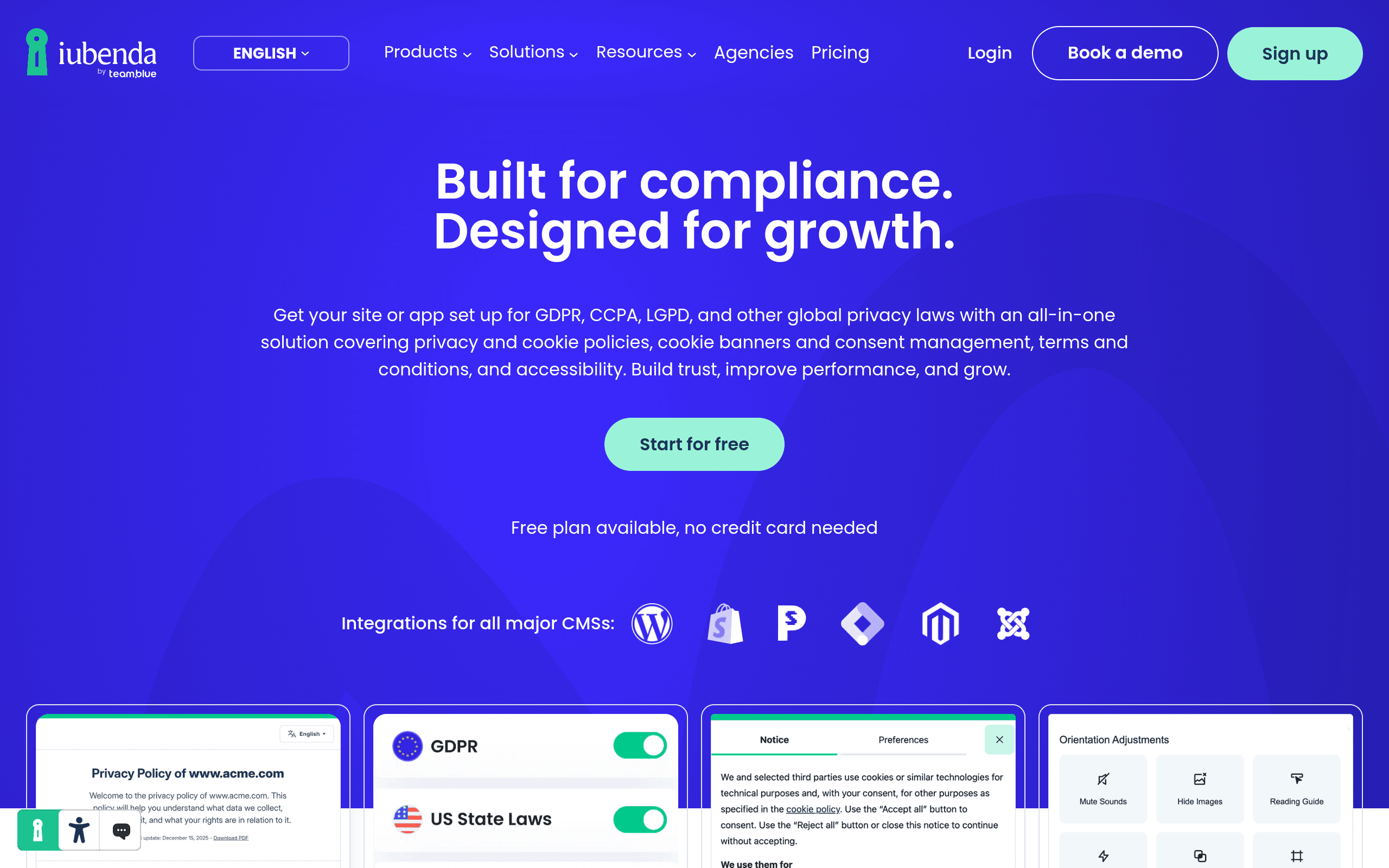
Where iubenda Fits
If you're comparing compliance vendors, you've probably already noticed the market splits into two camps: enterprise-grade platforms built for legal and IT departments (OneTrust), and lightweight SaaS tools built for small businesses and freelancers who just need a cookie banner and a privacy policy (Termly, Cookiebot). iubenda sits in an unusual middle spot — it has the document-generation depth and legal backing that small tools lack, without the six-figure contracts and months-long implementation that come with OneTrust.
The practical reason people pick iubenda over Termly or Cookiebot is that it was built by a legal-tech company, not just a dev shop — the privacy policy and terms generators are drafted and maintained by an internal legal team, and the documents update automatically when regulations change. Termly and Cookiebot both offer generators too, but iubenda's are noticeably more granular: you can generate policies clause-by-clause based on specific third-party services you use (Google Analytics, Stripe, Mailchimp, etc.), and it tracks regulatory changes across more jurisdictions than either competitor markets prominently.
The practical reason people pick iubenda over OneTrust is cost and complexity. OneTrust is built for enterprises with dedicated privacy teams, complex vendor risk management needs, and budgets to match — quotes typically start in the thousands per year and scale into six figures for larger deployments. iubenda's paid plans start in the double digits per month. If you're a mid-sized company that needs solid GDPR/CCPA cookie consent and legal documents but doesn't need a full vendor risk management suite, OneTrust is overkill, and iubenda is usually the more sensible landing spot.
Where iubenda loses ground: if you need deep integrations with enterprise data mapping, vendor risk assessments, or DSAR (data subject access request) workflow automation at scale, OneTrust's ecosystem is still more mature. And if you only need a dead-simple cookie banner with zero configuration, Cookiebot's free tier for small sites and Termly's flat pricing can feel more approachable for a solo site owner.
What It Actually Does
iubenda bundles four core products that can be bought individually or together:
- Privacy and Cookie Policy Generator — a wizard-driven document builder that asks about your business type, the services you use, and the data you collect, then generates a legally-drafted policy you embed via script or link. Policies auto-update when the underlying law or your embedded services' data practices change.
- Cookie Solution (Consent Management Platform) — a configurable cookie banner that blocks scripts until consent is given, supports Google Consent Mode v2, IAB TCF 2.2 for programmatic advertising, and geotargets banners so EU visitors see a GDPR-style banner while US visitors see a CCPA-style opt-out.
- Terms and Conditions Generator — similar wizard-based approach for T&Cs, including e-commerce specific clauses (returns, warranties, subscription terms).
- Website Accessibility (iubenda's ADA/EN 301549 tooling) — an add-on for scanning and remediating accessibility issues, aimed at reducing ADA lawsuit exposure in the US.
It integrates directly with WordPress, Shopify, Wix, Squarespace, Webflow, and via JavaScript snippet with essentially any custom site, plus tag manager support for Google Tag Manager.
Pricing, Realistically
iubenda's free plan lets you generate a basic privacy policy with no credit card required, which is genuinely useful for testing the document quality before paying anything. Beyond that, pricing is modular and scales with:
- Number of websites/apps covered
- Which products you add (Cookie Solution, T&Cs, accessibility)
- Traffic volume for the cookie consent tool
- Whether you need multi-language policies or Consent Solution's advanced features (IAB TCF, Google Consent Mode v2)
iubenda doesn't publish exact tier pricing on its homepage — you configure your plan through their pricing calculator based on the products and site count you select, with paid plans starting in the roughly $27–$36/month range for a single site with a basic cookie solution and privacy policy, moving higher as you add sites, traffic, or advanced consent features. This a la carte structure is a double-edged sword: it means you're not overpaying for enterprise features you don't need, but it also means you can't get a clean number without going through the configurator, which can be mildly annoying if you're comparison shopping quickly.
Concrete Use Cases
- A Shopify store selling to both EU and US customers needs geotargeted cookie consent (GDPR banner for EU, CCPA opt-out for California) plus a privacy policy that names Shopify, Stripe, and Klaviyo as processors. iubenda's clause-based policy generator handles this without a lawyer.
- A SaaS company using Google Analytics, Intercom, and Stripe wants Google Consent Mode v2 set up correctly so ad conversion tracking doesn't break under EU consent rules — iubenda's Cookie Solution has this built in as a configuration toggle.
- A content site running programmatic ads through an ad network requiring IAB TCF 2.2 compliance — iubenda supports this natively, which Termly does not offer at all and Cookiebot supports only on higher tiers.
- A US-based business worried about ADA web accessibility lawsuits can bolt on iubenda's accessibility scanning rather than procuring a separate vendor.
- An agency managing compliance for multiple client sites can use iubenda's multi-site dashboard to manage policies and consent banners centrally, which scales more cheaply than provisioning separate OneTrust instances per client.
How It Stacks Up
| iubenda | OneTrust | Termly | Cookiebot | |
|---|---|---|---|---|
| Starting price | Free (basic policy); paid plans from ~$27–36/mo per site | Custom quotes, typically $$$$/year (enterprise) | Free tier; paid from ~$15/mo | Free tier (limited); paid from ~$14/mo |
| Best for | SMBs/mid-market needing legally-drafted docs + real consent management | Large enterprises needing vendor risk management, DSAR workflows, data mapping | Solo sites, small businesses wanting simple flat-fee compliance | Sites prioritizing simple, fast cookie banner setup |
| IAB TCF 2.2 / programmatic ad support | Yes | Yes | No | Limited (higher tiers) |
| Legal team behind document generation | Yes, in-house legal team drafts and updates templates | Yes, enterprise legal/compliance focus | Template-based, less granular | Primarily a cookie tool, thinner on policy drafting |
| Implementation time | Days | Weeks to months | Hours to a day | Hours to a day |
The Honest Verdict
If you're a small business owner who just wants a cookie banner and a privacy policy with minimal fuss, Cookiebot or Termly will get you there faster and possibly cheaper. If you're an enterprise with a dedicated privacy office managing vendor risk across hundreds of data processors, OneTrust remains the more complete (and expensive) system. iubenda earns its place in between: it's the more defensible choice once your compliance needs get real — multiple jurisdictions, ad tech consent requirements, or documents that need to hold up under actual legal scrutiny — but you're not yet at the scale where OneTrust's enterprise machinery makes sense. The free plan is worth trying first specifically to judge document quality before committing to a paid tier through their configurator.