LawDepot Review: Pricing, Features, and How It Compares to LegalZoom, Rocket Lawyer, and Nolo
By Day Zero Guides Editorial · How we produce guides
Some links in this guide are affiliate links. If you sign up through them, Day Zero Guides may earn a commission at no extra cost to you. This never affects which products we cover or what we say about them. See our affiliate disclosure for details.
What LawDepot Actually Is
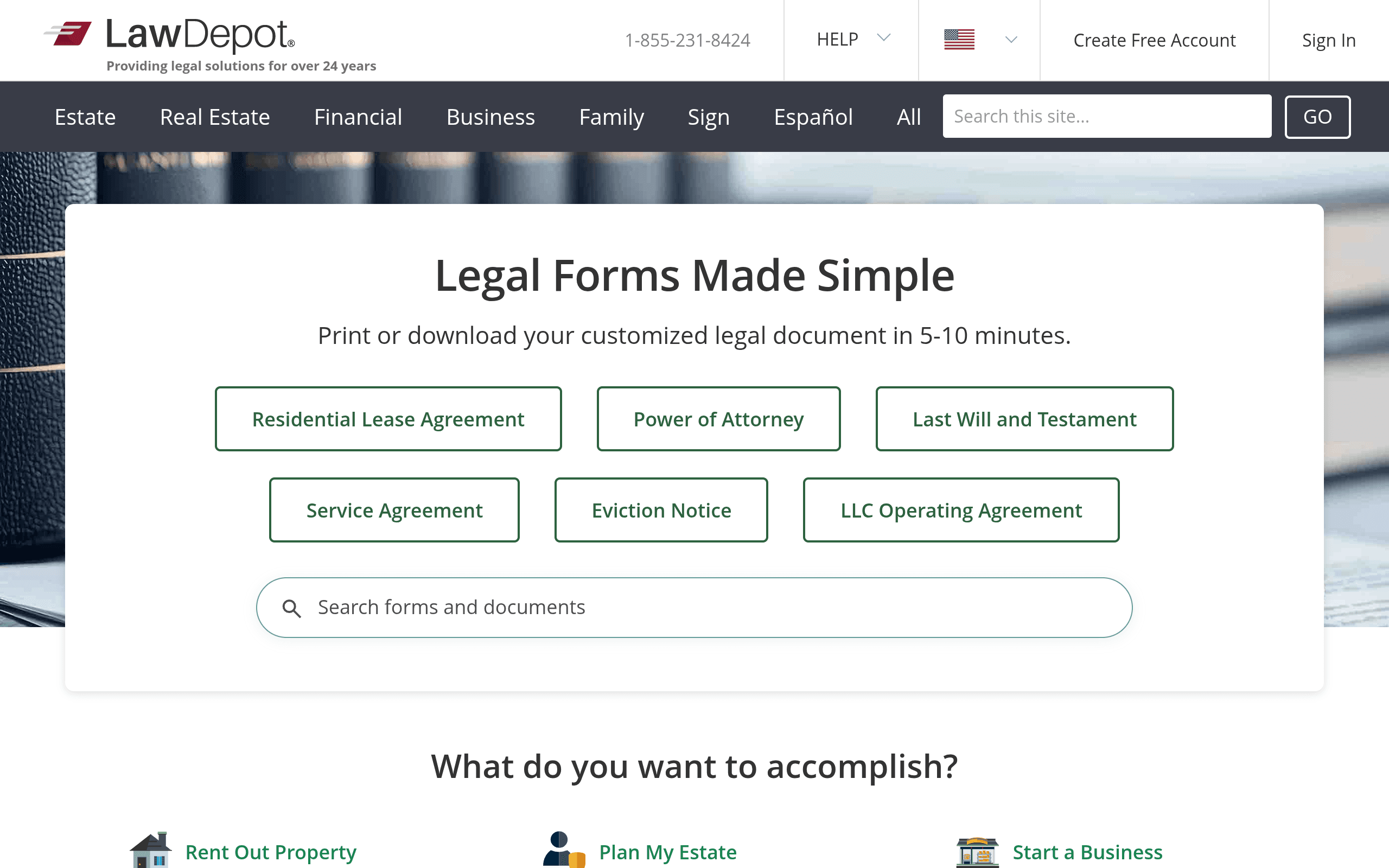
LawDepot is a self-serve legal document platform. Instead of hiring an attorney to draft a lease, will, non-disclosure agreement, or employment contract from scratch, you answer a guided questionnaire and LawDepot assembles a customized document from its template library. It covers over 150 document types across categories like real estate (leases, eviction notices), estate planning (wills, power of attorney), business (contracts, LLC formation paperwork, NDAs), and personal/family (prenups, divorce settlements, promissory notes).
The core mechanic is the same one it's used for years: a step-by-step Q&A wizard that adjusts the document's clauses based on your answers and your state or province, since legal requirements for things like wills or lease agreements vary by jurisdiction. Once finished, you can download, print, or edit the document, and in many cases save it to revise later if your situation changes.
It's worth being clear about what LawDepot is not: it's not a law firm, it doesn't give personalized legal advice, and it doesn't review your specific situation the way a lawyer would. It's a document generator with legal-review-informed templates, which is a meaningfully different (and cheaper) service.
Pricing: What You'll Actually Pay
LawDepot doesn't publish a simple, static price list the way a SaaS product does — pricing is tied to a membership model and varies somewhat by document type and region. Based on current checkout flows, here's what to expect:
- Trial access: LawDepot commonly offers a short trial period (historically around 14 days) for a nominal fee — often a few dollars — that lets you generate and download documents during the trial window.
- Monthly membership: After the trial, it typically rolls into a recurring membership priced around $39.99/month unless you cancel, which grants unlimited access to create and edit documents during that period.
- Annual membership: LawDepot also offers an annual plan that works out to a lower effective monthly rate (roughly in the $8–$10/month range when billed yearly), which is the better deal if you expect to need more than one document over the year.
- One-off documents: For a single document without ongoing membership, per-document pricing has historically landed somewhere in the $15–$35 range depending on complexity (a basic promissory note costs less than a full LLC operating agreement or will).
The important caveat: LawDepot does not post a fixed pricing page the way you'd expect from a subscription SaaS product, and prices can shift by document type, country, and active promotions. If pricing certainty matters to you, add a document to your cart and check the checkout screen before committing — don't assume the trial price is the ongoing price, since the default billing after trial is a recurring membership unless you actively cancel.
Who LawDepot Is Actually For
LawDepot makes sense if:
- You need a standard, common document (residential lease, basic will, NDA, bill of sale) and your situation isn't legally complicated.
- You want something faster and cheaper than an attorney for routine paperwork, and you're comfortable reviewing the output yourself or having a lawyer do a one-time review afterward.
- You anticipate needing multiple documents over a period of months (e.g., a landlord managing several leases, a small business drafting several contracts), making the membership model worthwhile.
It's a weaker fit if:
- You need business formation services (registered agent, EIN filing, compliance tracking) — LawDepot's business tools are lighter than dedicated formation services.
- Your situation is legally complex — contested estates, multi-state business operations, custom contract negotiation — where a template genuinely isn't enough and you need an actual lawyer.
- You want built-in attorney consultation as part of the product, which some competitors bundle in.
How It Compares
| LawDepot | LegalZoom | Rocket Lawyer | Nolo | |
|---|---|---|---|---|
| Pricing model | Membership ( | Per-service pricing (business formation from ~$0 + state fees; documents often $39.99–$99 one-time) | Membership ~$39.99/mo (documents included) or pay-as-you-go per document | Mostly one-time document purchases (~$35–$99) or bundled with Nolo's book/DIY content |
| Attorney access | None built in | Add-on legal plans available (extra monthly fee) | Included in membership (one free consultation/month on some plans) | None built in |
| Business formation | Basic templates only, no filing service | Full-service LLC/corp formation with state filing | Full-service formation, similar depth to LegalZoom | Primarily educational content, limited filing support |
| Document breadth | 150+ templates across personal/business/real estate | Broad, business-formation-heavy | Broad, similar personal + business mix | Narrower, strongest in DIY legal education (books, guides) |
| Best for | Routine personal/landlord documents on a budget | Starting a business with filing help included | Ongoing access to a document library plus occasional attorney questions | Someone who wants context/education alongside a document, not just the form |
The practical difference: LegalZoom and Rocket Lawyer lean harder into being full-service legal platforms (business formation, attorney access), while Nolo leans into education-plus-documents. LawDepot sits closer to a pure document generator — narrower in scope than the other three, but often simpler and less expensive if all you need is the document itself.
The Verdict
LawDepot is a reasonable choice if your need is a well-defined, common legal document and you don't require attorney review or business filing services bundled in. It's not the cheapest possible option if you only need one document (a one-time purchase from a competitor or a free template elsewhere might beat it), and the membership auto-renewal model means you need to actively manage cancellation if you only wanted a single document.
Where it holds up well is for landlords, small business owners, and individuals who'll need to generate a handful of documents over a year and want a straightforward wizard-based tool without paying for services (attorney consults, business filing) they won't use. If you need those extras, Rocket Lawyer or LegalZoom justify their typically higher price tag. If you want documents paired with plain-language legal education, Nolo is worth a look instead.