SpamRate: A First Look at the New WordPress Plugin for Inbox Placement Testing
By Day Zero Guides Editorial · How we produce guides
Some links in this guide are affiliate links. If you sign up through them, Day Zero Guides may earn a commission at no extra cost to you. This never affects which products we cover or what we say about them. See our affiliate disclosure for details.
What SpamRate Costs and What You Get
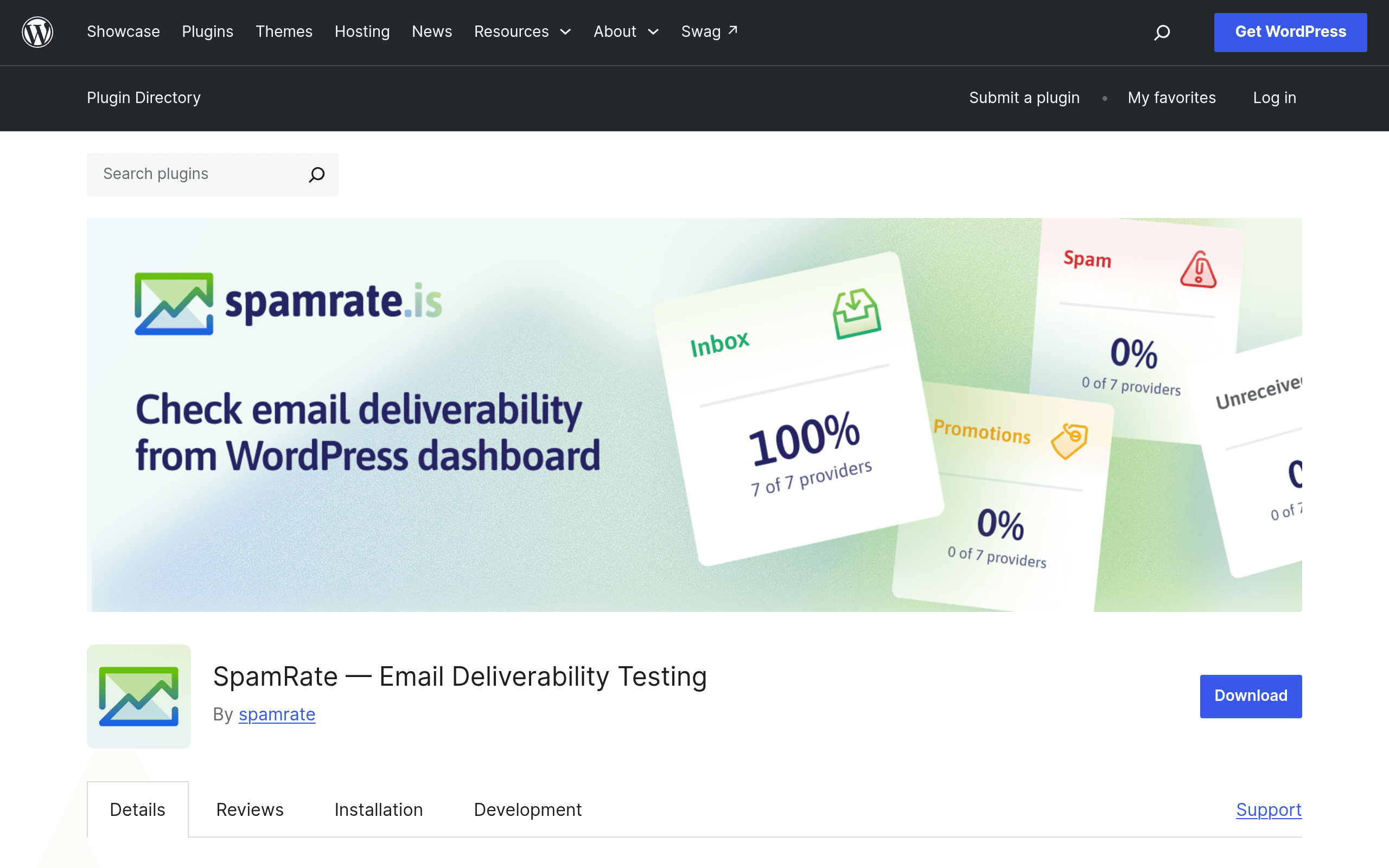
SpamRate is a WordPress plugin (available now on wordpress.org/plugins/spamrate) that answers one narrow but important question: when your site sends an email—a WooCommerce receipt, a Gravity Forms notification, a password reset, a newsletter via your SMTP plugin—does it land in the Inbox, get buried in Promotions, or end up in Spam? It tests this against real Gmail, Outlook, Yahoo, and other live mailboxes, without touching your mail server configuration.
Here's the tier breakdown as published:
- Free (no account required): 1 deliverability test per day, per site. All 18 DNS diagnostic tools (SPF, DKIM, DMARC, and others) included at no cost, no signup.
- Free account (registered): 3 tests per day.
- Pro: 50 tests per day, plus campaign monitors and PDF report generation.
- Max: 100 tests per day.
Exact dollar pricing for Pro and Max isn't listed in the plugin's public documentation as of this writing—you'll need to check the in-plugin upgrade screen or the developer's site for current rates. That's a notable gap for anyone trying to budget before installing, but it's not unusual for WordPress.org plugins to gate pricing behind an in-dashboard upsell.
The value proposition is straightforward: most site owners have no idea their transactional or marketing emails are landing in spam until a customer complains about a missing order confirmation. SpamRate puts a deliverability check inside the same dashboard where you're already managing the site, rather than requiring a separate account with a dedicated deliverability platform.
What It Actually Does
Install the plugin, and you get two distinct toolsets:
-
Inbox placement testing. SpamRate generates a unique seed address (or set of addresses across providers) that you send a test email to from your WordPress mail setup—whatever you're using, whether that's default PHP mail, WP Mail SMTP, Post SMTP, or a transactional API like SendGrid or Mailgun routed through a plugin. SpamRate then reports back where that email actually landed: Inbox, Promotions tab, or Spam folder, broken out by provider (Gmail, Outlook.com, Yahoo, etc.).
-
18 free DNS diagnostic tools. These check the records that determine sender reputation and authentication: SPF, DKIM, DMARC, plus tools for MX records, blacklist checks, reverse DNS, and others. These are available on the free tier with no account, which makes them useful as a standalone quick-check even if you never run a placement test.
Because it works with any email service rather than requiring you to route mail through a proprietary SMTP relay, it functions more as a diagnostic layer than a mail-sending replacement. You keep your existing setup (Mailgun, SES, SMTP.com, whatever) and just point SpamRate at it to see results.
Who This Is Actually For
- WooCommerce store owners who've had customers report missing order confirmations or shipping notifications, and want to check whether it's a spam-folder problem before assuming it's a plugin bug.
- Agencies managing client sites who want a quick, no-signup DNS check (SPF/DKIM/DMARC) during onboarding, before they commit to a full email infrastructure audit.
- Newsletter publishers using WordPress-based sending (via plugins like Newsletter or FluentCRM) who want to spot-check placement before a big send, without paying for a full-featured platform like 250ok.
- Freelance devs troubleshooting a client complaint—"my contact form emails aren't arriving"—where the free 1-test-a-day tier is enough to diagnose the issue in a single afternoon without asking the client to pay for anything.
Where it's a poor fit: high-volume senders who need continuous monitoring across dozens of campaigns per day. The free and even Pro tiers (50 tests/day) cap out well below what a dedicated ESP monitoring tens of thousands of sends would need.
How It Compares
| SpamRate | Mail-tester | GlockApps | 250ok | |
|---|---|---|---|---|
| Starting price | Free (1 test/day); paid tiers unpriced publicly | Free (limited tests/day, cap resets); paid credits available | Free trial then paid plans (~$77/mo+ for teams) | Enterprise pricing, typically quote-based, aimed at high-volume senders |
| Where it lives | Inside WordPress admin | Standalone web app | Standalone web app + API | Standalone platform, enterprise-grade |
| DNS diagnostics | 18 free tools (SPF/DKIM/DMARC/etc.), no account needed | Basic score includes some auth checks | Included, deeper reporting on paid tiers | Full authentication and reputation monitoring |
| Best for | WordPress site owners troubleshooting transactional/newsletter email without leaving wp-admin | One-off quick spam score checks for any sender, not WordPress-specific | Agencies/marketers needing recurring seed-list testing across many providers | Large-scale senders needing continuous inbox placement and reputation monitoring at scale |
| Setup friction | Install plugin, test immediately from dashboard | None—paste address, send, get score | Requires account setup, seed list management | Requires sales conversation, integration work |
The practical distinction: Mail-tester is faster for a single ad-hoc check if you don't run WordPress, but it's not integrated into your site—you're pasting addresses. GlockApps and 250ok are built for teams that need ongoing monitoring across campaigns and are priced accordingly, well beyond casual use. SpamRate's niche is being the only one of the four that lives natively in wp-admin, which matters if your entire mail flow (transactional and marketing) already originates from WordPress and you don't want a separate login to check on it.
Should You Install It Today
If you run a WordPress site and have ever wondered whether your order confirmations or contact form replies are quietly landing in spam, the free tier costs nothing and takes under five minutes to test—install, run one placement test, run the DNS checks. There's no account requirement to get real signal from the 18 diagnostic tools, which alone is worth the install. The bigger question is whether you'll need Pro or Max, and that decision is currently harder to make than it should be, since exact pricing isn't published anywhere in the plugin's public documentation—you'll only see it once you're in the upgrade flow. For a single site running occasional tests, the free tier's 1-3 tests a day is plausibly enough; for anything beyond that, budget for an unknown number until you check the live pricing screen yourself.
Related guides
- iLang Readable Slugs: A WordPress Plugin That Finally Fixes Percent-Encoded URLs for Non-Latin Content
- AcceGuru First Look: A WordPress-Native Accessibility Scanner That Tries to Fix What It Finds
- Auditwright WCAG Accessibility Scanner: First Look at the New WordPress Plugin That Scans Rendered Pages, Not Raw HTML