Sucuri Review: Pricing, Features, and How It Compares to Wordfence and Cloudflare
By Day Zero Guides Editorial · How we produce guides
Some links in this guide are affiliate links. If you sign up through them, Day Zero Guides may earn a commission at no extra cost to you. This never affects which products we cover or what we say about them. See our affiliate disclosure for details.
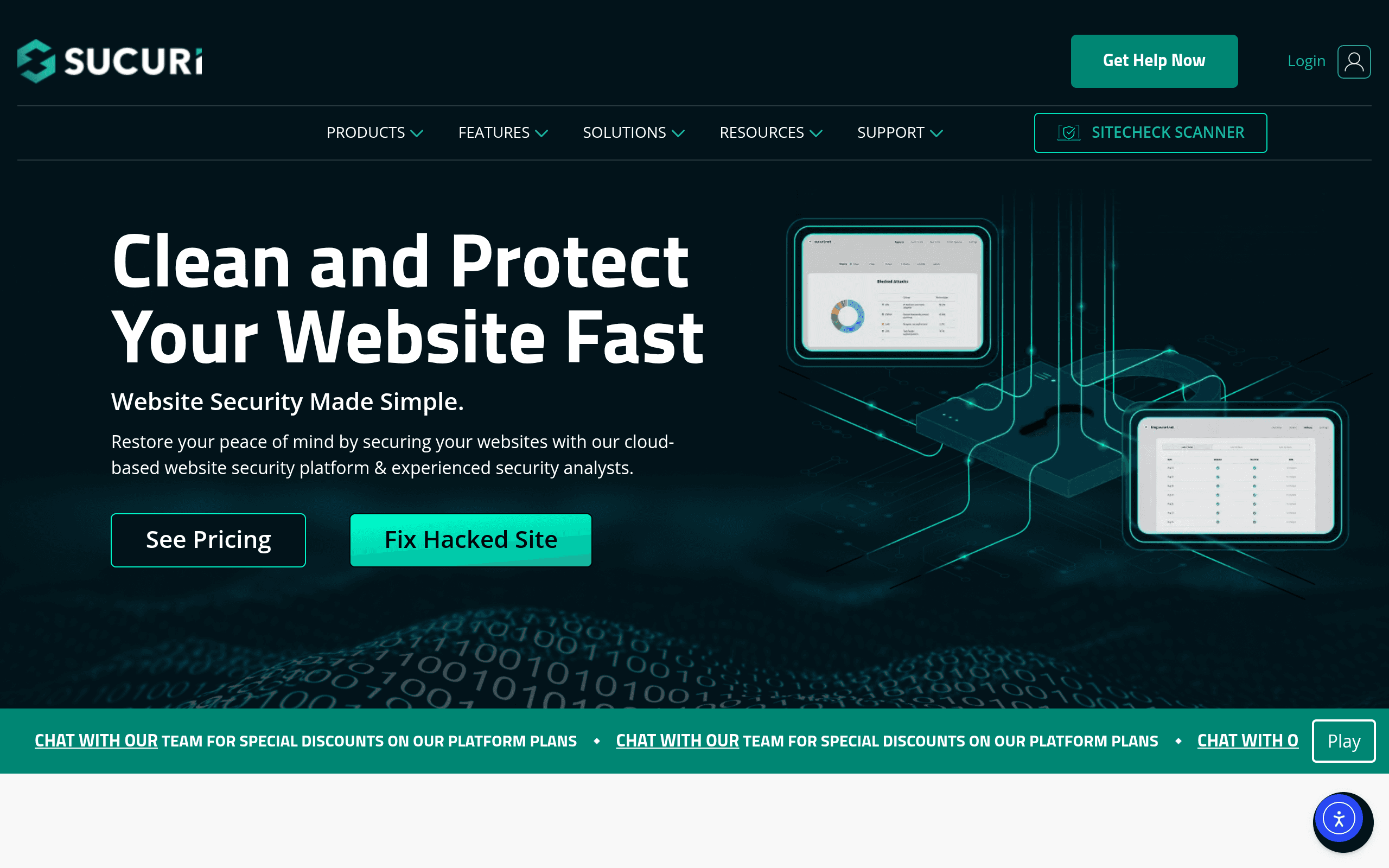
What Sucuri Actually Does
Sucuri is a website security platform built around three core jobs: detecting malware on a site, blocking attacks before they land, and cleaning up the mess if a site already got hacked. It's not a plugin you install and forget — it's a combination of a cloud-based web application firewall (WAF), a malware/blacklist scanner, and a human incident response team that actually logs into infected sites and removes malicious code by hand.
The product works at two layers. First, the Sucuri Firewall (their WAF/CDN) sits in front of your site via DNS changes, filtering traffic before it ever reaches your server — this is what stops brute-force login attempts, DDoS traffic, SQL injection attempts, and known bad bots. Second, their monitoring layer scans your site's files and database on a schedule (and checks blacklist status with Google Safe Browsing, Norton, McAfee, etc.), alerting you if something changes unexpectedly. If you do get infected, Sucuri's cleanup team is the part people actually pay for in a panic — unlimited malware removal is bundled into most paid plans, not billed as a separate emergency fee.
Sucuri is platform-agnostic — it works with WordPress, Joomla, Magento, Drupal, and static/custom-coded sites, though the WordPress plugin (free on wordpress.org) is the most commonly used entry point for the scanning side.
Pricing Breakdown
Sucuri's pricing lives behind their signup/comparison flow rather than the homepage, and it's organized around annual plans per site (with multi-site and agency discounts). As of this writing, the tiers break down roughly like this:
| Plan | Approx. Annual Price | What You Get |
|---|---|---|
| Basic | ~$199.99/year | Firewall (WAF/CDN), malware & blacklist monitoring, one site, unlimited malware removal if hacked |
| Pro | ~$299.99/year | Everything in Basic + faster response SLA, advanced DDoS mitigation |
| Business | ~$499.99/year | Everything in Pro + PCI compliance support, higher traffic limits, priority support |
| Enterprise | Custom quote (starts around $999.99/year) | Custom SLAs, dedicated support, multi-domain/high-traffic sites |
| One-time cleanup only | ~$199.99+ (single incident) | Malware removal without an ongoing subscription — priced per site, per incident |
Agencies managing multiple client sites can get volume-based pricing through Sucuri's partner/reseller program, which knocks the per-site cost down meaningfully at scale (worth requesting a quote directly rather than assuming list price if you're managing 10+ sites).
One thing worth flagging: the free WordPress plugin only does scanning and alerting — the firewall and guaranteed cleanup require a paid plan. If you've been hacked and need it fixed today, the one-time cleanup option exists, but most people end up on Basic or Pro since the annual cost isn't far off from a single cleanup fee and includes ongoing protection.
Who Sucuri Is Actually For
- WordPress site owners who've already been hacked and need a defined process (not a DIY forum thread) to get delisted from Google's blacklist and clean the code.
- Small agencies managing client WordPress/Woocommerce sites who want one vendor handling firewall + monitoring + cleanup instead of stitching together plugins.
- E-commerce sites needing PCI compliance support — the Business tier specifically markets to this.
- Site owners who got a "this site may be hacked" warning in Google Search Console and need both the cleanup and prevention of it happening again.
It's a weaker fit if you're already behind Cloudflare's network for performance reasons and just want basic bot/attack filtering — in that case you may be paying for overlapping firewall coverage. It's also overkill for a low-traffic personal blog with nothing sensitive on it, where a free scanner plugin might be enough.
How It Compares
| Sucuri | Wordfence Security | Cloudflare WAF | SiteLock | |
|---|---|---|---|---|
| Starting price | ~$199.99/year (Basic) | Free (Premium ~$119/year per site) | Free tier; Pro WAF ~$20/month | ~$14.99/month (varies by tier, often sold via hosts) |
| Malware cleanup included | Yes, unlimited cleanups on paid plans | No — Wordfence doesn't do hands-on cleanup | No — Cloudflare is network-layer only, no cleanup service | Yes, but often criticized for aggressive upselling during cleanup |
| Firewall type | Cloud-based (DNS-level), works before traffic hits your server | Endpoint-based (runs inside WordPress, filters after request reaches server) | Cloud-based (DNS-level), enterprise-grade network | Cloud-based, DNS-level |
| Platform support | WordPress, Joomla, Magento, Drupal, custom sites | WordPress only | Any site/platform | Primarily WordPress, some multi-CMS support |
| Best for | Sites needing cleanup + prevention in one vendor | Budget-conscious WordPress users wanting a strong free option | Sites prioritizing performance/CDN with security as a bonus | Sites sold security add-ons through hosting bundles |
The practical distinction: Wordfence is excellent and largely free, but it only protects WordPress and won't clean up a hack for you — you're on your own or paying separately for that. Cloudflare's WAF is arguably the best network-layer firewall of the four, especially on paid plans, but it has zero built-in malware remediation; it's a different tool solving a different half of the problem. SiteLock technically overlaps most with Sucuri on paper, but it has a longstanding reputation (documented across various user reports) for pushing unnecessary upgrades during what should be routine cleanups — Sucuri's flat-fee, unlimited-cleanup model is more predictable by comparison.
Verdict
Sucuri earns its reputation in the one moment most site owners actually search for it: when a site is already infected and blacklisted. The combination of a real cleanup team, ongoing firewall protection, and blacklist removal in one subscription is genuinely useful, and the pricing — while not published up front — is fairly transparent once you're in the signup flow.
If your site has never been hacked and you're just trying to prevent it, Wordfence's free tier plus Cloudflare's free WAF can cover a lot of the same ground at no cost, especially for a single WordPress site. Where Sucuri justifies its ~$200+/year price tag is the guarantee that if something does go wrong, there's a defined, included process to fix it — not a support ticket into the void. For agencies and e-commerce sites where downtime and blacklisting have real financial cost, that guarantee is usually worth paying for.